Let’s face it—running a childcare center is demanding. Between managing staff, giving tours, supporting parents, and caring for children, you barely have time to follow up with new leads, let alone respond instantly.
That’s where Conversation AI steps in as a total game-changer.
Instead of missing inquiries or manually texting every parent, you can use AI to instantly respond, qualify leads, and book tours—even while you’re busy running your center.
Whether you’re running a daycare, preschool, or early learning academy, Conversation AI can automate a huge chunk of your communication without losing the personal touch.
In this article, we’ll explore how Conversation AI works for childcare leads, why it’s so effective, and how to set it up in a way that saves time and books more tours.
Key Takeaways
- ✅ Conversation AI instantly replies to website chats, texts, and social DMs—even after hours
- ✅ It can qualify leads and ask questions like child’s age or preferred schedule
- ✅ Book more tours by sending calendar links automatically through chat
- ✅ Reduce lead loss by following up when your team misses a call
- ✅ Easy to set up and fully customizable for your childcare center
What Is Conversation AI in Childcare?
Conversation AI is a smart virtual assistant built into your CRM (like GoHighLevel) that communicates with parents via chat, SMS, Facebook, Instagram, and even your website. It doesn’t just reply with generic messages—it’s trained to handle real conversations with parents who are interested in your childcare programs.
Instead of your team having to respond manually, the AI steps in to:
- Answer common questions
- Qualify new inquiries (child’s age, days needed, etc.)
- Share program details
- Send your tour calendar link
- Continue the conversation even if a call is missed
Why Childcare Centers Need Conversation AI
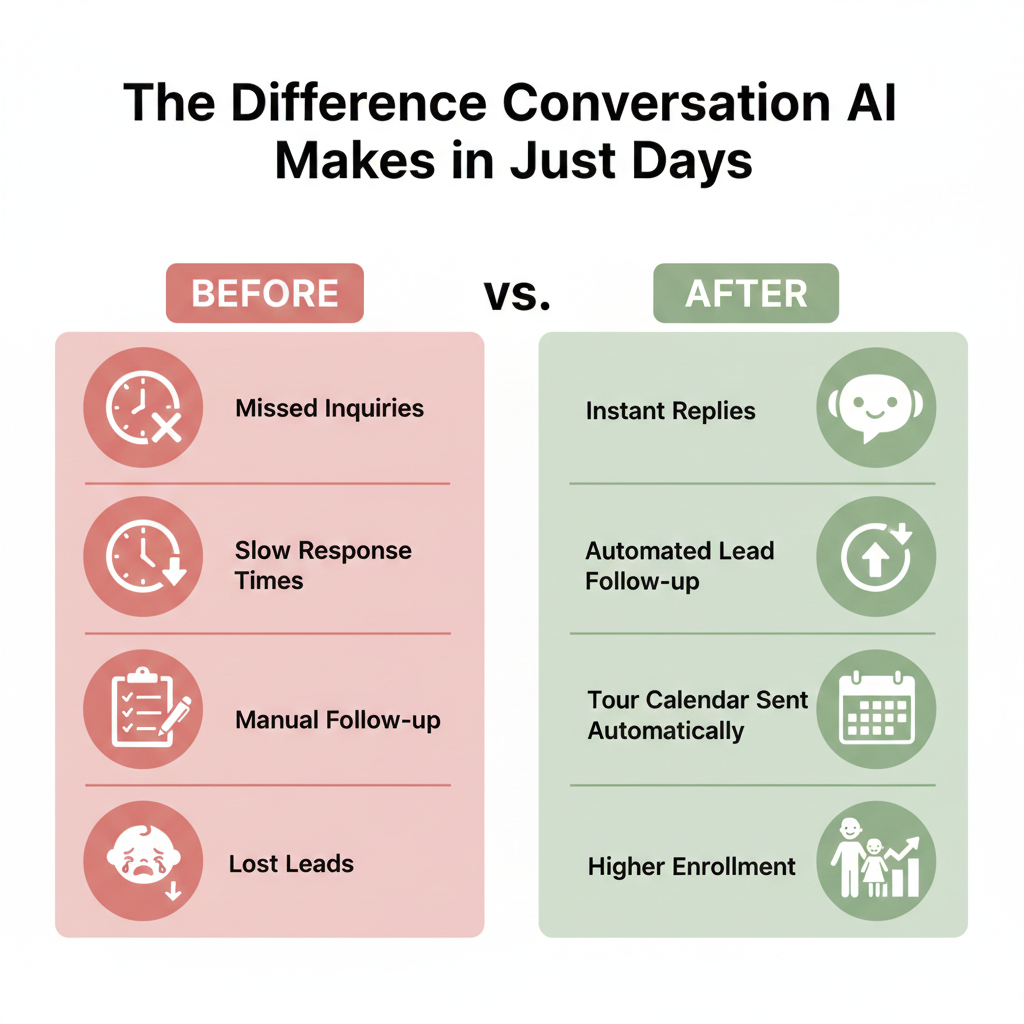
Here’s a reality check: studies show that 65% of childcare leads never get a reply—and it’s not because you don’t care. It’s because you’re busy.
Parents today expect an instant response, even after hours. If your center takes too long to reply, they move on to the next one.
That’s why Conversation AI is a must-have. It ensures:
- Every inquiry is answered instantly (in less than 30 seconds)
- You will never miss a tour opportunity again
- Leads don’t go cold before you have a chance to respond
How Conversation AI Works for Childcare Leads
Let’s break down how it actually works with a real-world flow:
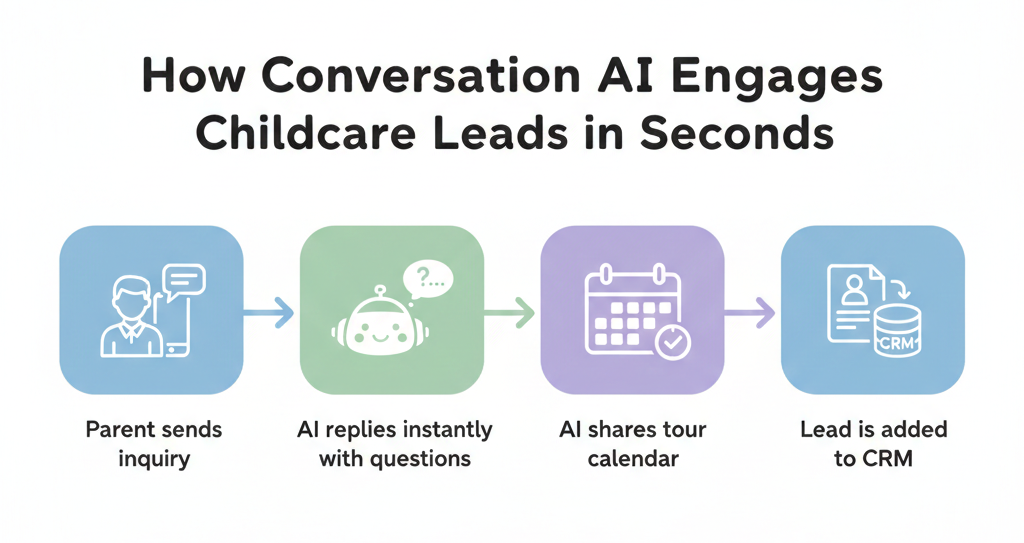
Step 1
A parent visits your website and asks a question in your chat, like:
“Hi, do you have openings for toddlers?”
Step 2
Conversation AI instantly replies:
“Hi there! We do have toddler openings. May I ask how old your child is and what days you need care?”
Step 3
The parent responds, and the AI continues qualifying:
“Got it! We’d love to meet you. You can book a tour here: [calendar link]”
Step 4
The AI logs the parent into your pipeline, tags the lead, and updates the CRM.
No human intervention needed. Just seamless automation that feels personal.
Where Conversation AI Can Be Used
The best part about Conversation AI? It works across all your channels.
💬 Website Chat
Auto-respond to questions directly on your site and capture leads 24/7.
📱 SMS & Missed Call Text Back
If your team misses a call, AI follows up instantly by text.
📘 Facebook & Instagram DMs
Catch and reply to social media inquiries automatically.
🟢 Google Business Chat
Convert Google search traffic into real leads with instant AI replies.
You can even set rules like “only respond after business hours” or “always respond if the parent mentions ‘tour.’”
Key Features of Conversation AI for Childcare Centers
Let’s take a closer look at what makes Conversation AI such a powerful tool for daycares and preschools. These aren’t just techy features—they’re real solutions to everyday problems center owners face.
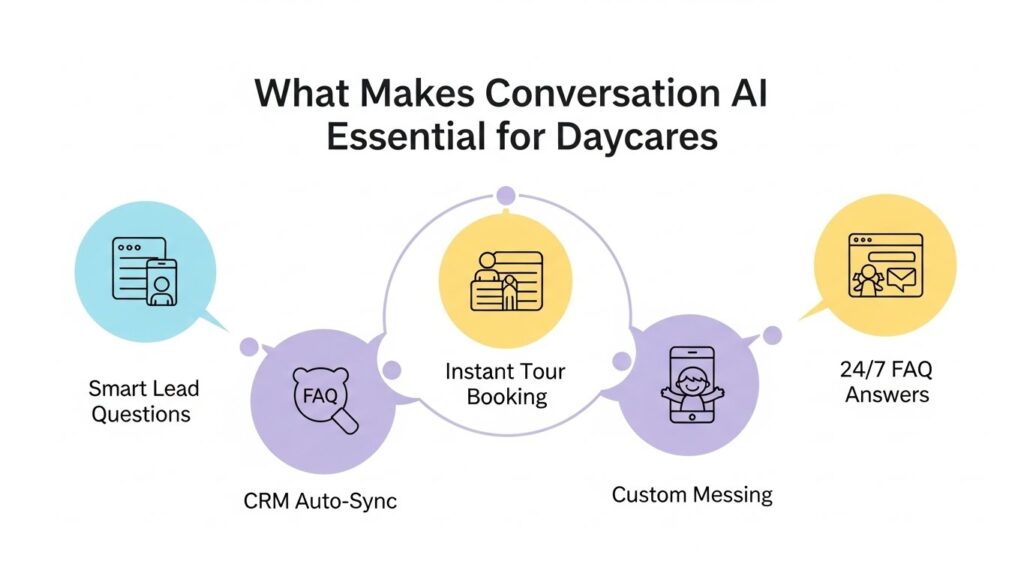
Smart Lead Qualification
Instead of just saying “Hi, how can we help?” Conversation AI actually asks the right questions—just like your front desk staff would. It can gather info like:
How old is your child?
- What days of the week are you looking for care?
- Would you like to schedule a tour?
This means you’re not just capturing leads—you’re qualifying them from the very first message.
Easy Booking Integration
Once the parent shares their info, the AI can automatically drop your tour calendar link into the conversation. That way, they can schedule a visit right away—without calling, emailing, or waiting.
Instant Answers to FAQs
Parents always ask the same few questions, right? Like:
- What are your hours?
- How much is tuition?
- Do you accept infants?
Your AI assistant can be trained to answer all of those on the spot, 24/7—so no one has to wait for a response.
Automatic CRM Updates
No more copying and pasting lead info or trying to remember who asked what. Every chat gets logged into your CRM automatically—with tags, notes, and even where the lead came from.
Fully Customizable Responses
You’re in control. You can teach your AI to speak in your center’s voice, share your programs, pricing, and policies, and even include your values or mission statement. It’s like having a super-helpful team member who knows exactly what to say—and never takes a day off.
How to Set Up Conversation AI in GoHighLevel
If you’re using GoHighLevel, setting up Conversation AI is easier than you might think.
1. Enable Conversation AI
- Go to “Settings” → “Conversation AI.”
- Choose a mode: Suggestive (AI suggests replies) or Autopilot (AI replies automatically)
2. Choose Your Channels
- Enable SMS, Web Chat, FB, IG, and Google
- The AI will monitor all channels for new messages
3. Train Your Bot
- Upload FAQs
- Add website links (like your programs page)
- Add Q&A examples (e.g., tuition questions)
4. Set Booking Prompts
- Link your calendar for tour bookings
- AI will send the link when certain keywords are triggered
5. Test and Launch
Use the Bot Trial tab to test your AI conversations before going live.
👉 Pro Tip: Use the “Thumbs Up/Down” feedback to improve the AI’s replies.
Best Practices for Using Conversation AI
- Keep replies warm, friendly, and conversational
- Customize your prompts with your actual pricing, class info, etc.
- Set up fallback messages for “I don’t know” situations
- Review conversations weekly to improve performance
- Add seasonal messages (e.g., “Spring enrollment now open!”)
Frequently Asked Questions
Is Conversation AI hard to set up?
Does it sound robotic?
Can it handle multiple locations?
What happens if the AI doesn’t know an answer?
Is this secure and compliant?
Can Conversation AI follow up with parents who don't respond right away?
What if a parent wants to speak with a real person?
Conclusion
Conversation AI isn’t just a fancy tool—it’s a solution to one of the biggest problems childcare centers face: losing leads due to delayed or missed responses.
By using AI to reply instantly, qualify parents, and book tours, you’ll convert more leads and free up your team to focus on what they do best—caring for children.
Whether you’re just getting started or ready to scale, Conversation AI is one of the smartest moves you can make to grow your childcare business.
🎯 Want it done for you? Ask about pre-built Conversation AI setups tailored for childcare centers.