If you run a childcare center, you already know the work doesn’t stop when the doors close. Parents message at night, leads come in on weekends, tours get missed, and payments need follow-up. And none of that even touches the real mission of your business: caring for kids.
That’s why automations aren’t just “nice to have” anymore. With GoHighLevel, you can build AI workflows that handle the busywork automatically, while still sounding warm and human. When those workflows are packaged inside a childcare ghl snapshot, you’re not starting from scratch—you’re starting with a system that’s already designed for childcare.
In this guide, I’ll walk you through four practical AI workflows you can set up (or customize) in GoHighLevel to capture leads, book tours, reduce no-shows, collect payments, and keep families engaged long-term.
Key Takeaways
- Reply to new childcare inquiries in seconds instead of hours
- Book tours automatically and reduce no-shows with smart reminders
- Streamline enrollment and get deposits paid without awkward follow-ups
- Collect more 5-star reviews and referrals with simple retention automations
- Use AI in a way that still feels personal and “parent-friendly”
Understanding AI workflows in GoHighLevel
Before we jump in, here’s the simple way to think about it.
A workflow in GoHighLevel is a set of steps that starts when something happens, like:
- A parent fills out a form
- A lead sends a text message
- Someone books a tour
- An opportunity changes stages
Then GoHighLevel takes actions automatically, like sending a text, emailing a form, updating tags, or moving the lead in a pipeline.
When you add conversation AI into the mix, the system can also:
- Answer FAQs
- Qualify leads
- Guide parents to book a tour
- Route complex questions to a human
GoHighLevel supports multiple channels for Conversation AI, including SMS, Facebook, Instagram, web chat, live chat, and Google Business Profile messaging.
Now let’s get into the four workflows that make the biggest impact for childcare centers.
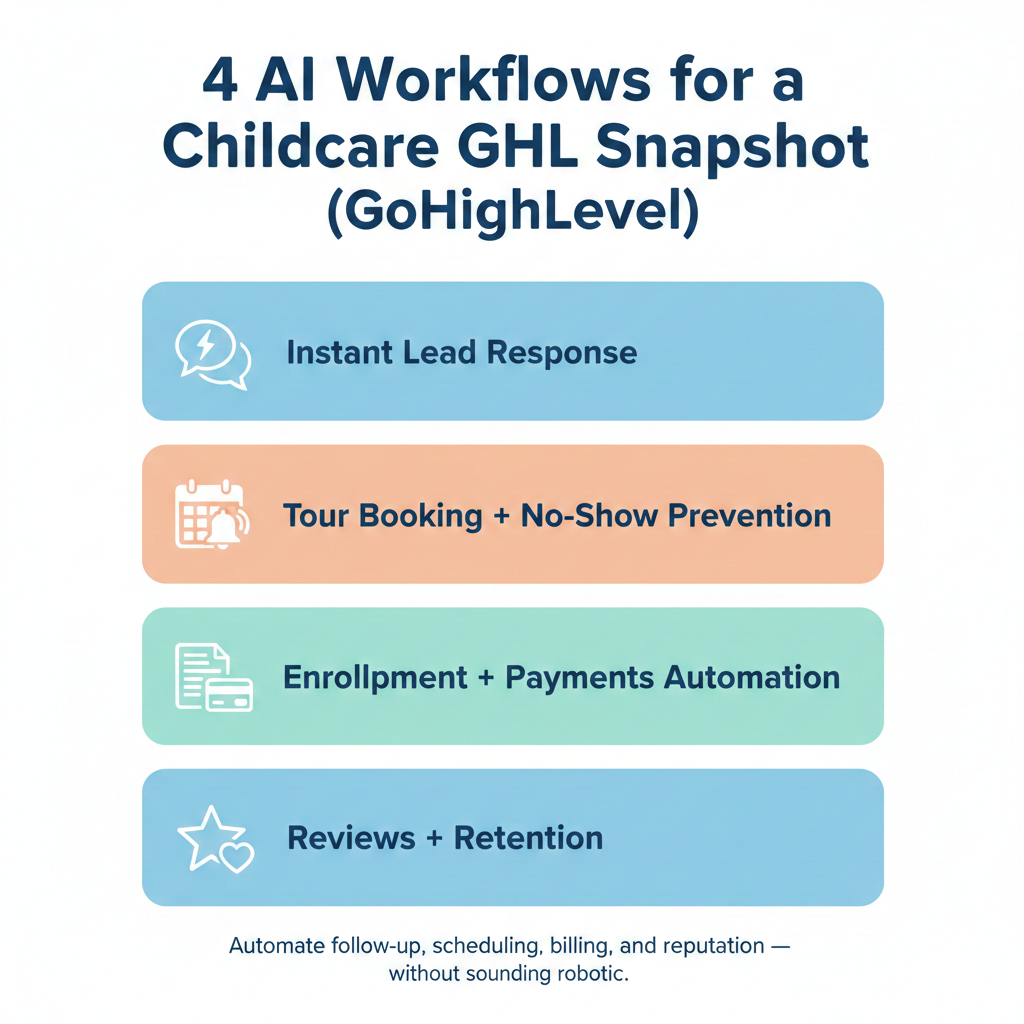
1. AI Lead Capture and Instant Response Workflow
Parents searching for childcare often contact multiple centers at once. The center that responds first usually wins.
An AI-powered lead capture workflow ensures you respond within seconds not hours.
How It Works
When a parent:
- Fills out a website form
- Sends a Facebook or Instagram message
- Texts your number
- Clicks a “Book a Tour” button
Your workflow automatically triggers.
Step-by-Step Setup in GoHighLevel
- Create a new workflow
- Set the trigger to “Form Submitted” or “Customer Replied.”
- Add an AI Conversation action
- Send an immediate SMS and email
- Offer a tour-booking link
- Add internal team notifications.
Example AI Response
“Hi Sarah, thanks for reaching out about enrollment for your child. We’d love to help. Would you like to schedule a quick tour this week? Here’s our available times.”
The AI can answer common questions, like:
- What are your hours
- What age groups do you accept
- What is tuition pricing
- Do you offer part-time options
Inside your childcare ghl snapshot, this workflow is usually pre-configured with:
- Custom fields for child age
- Tags for tour requested
- Pipeline movement to “New Lead”
This means every inquiry is organized automatically in your CRM.
Why This Matters
- Faster response times increase conversion rates
- Parents feel supported and heard
- Staff spend less time answering repetitive questions
2. Smart Tour Booking and No-Show Prevention Workflow
Tours are where enrollment decisions happen. But missed appointments cost time and revenue.
This workflow reduces no-shows by up to 70 to 80 percent when built correctly.
What This Workflow Includes
- Instant booking confirmation
- Multi-channel reminders
- Confirmation request
- Easy reschedule link
How to Build It
- Trigger the workflow when an appointment is booked
- Send immediate confirmation email
- Send SMS confirmation message
- Add reminder 24 hours before
- Add reminder 2 hours before
- Add confirmation request like “Reply YES to confirm”
If the parent replies “NO” or doesn’t confirm, the workflow can:
- Automatically send a reschedule link
- Alert staff to follow up
AI Enhancement
Using Conversation AI inside GoHighLevel, you can:
- Answer pre-tour questions automatically
- Send parking instructions
- Provide required document checklist
Inside your childcare ghl snapshot, this workflow should also:
- Move the opportunity to “Tour Scheduled.”
- Automatically update to “No Show” if not attended
- Trigger a re-engagement sequence if missed
Why It Works
Parents are busy. Gentle reminders feel helpful, not pushy.
The result:
- Fewer empty time slots
- More attended tours
- Higher enrollment conversion
3. Automated Enrollment and Payment Workflow
Once a parent says yes, the process should feel seamless.
This workflow ensures contracts, invoices, and onboarding steps happen without delay.
Core Components
- Enrollment agreement sent automatically
- Deposit invoice triggered upon signature
- Recurring tuition billing set up
- Welcome email series
Step-by-Step Setup
- Trigger workflow when opportunity moves to “Enrolled”
- Send digital contract through Documents
- Enable payment at signing
- Automatically generate recurring invoice
- Send onboarding email sequence
The onboarding emails might include:
- First day checklist
- Drop-off and pick-up procedures
- Emergency contact form
- Calendar of upcoming events
With AI, you can also:
- Send reminder if deposit isn’t paid within 24 hours
- Answer common onboarding questions automatically
A properly configured childcare ghl snapshot typically includes:
- Payment integrations
- Recurring invoice templates
- Custom tags for enrolled students
Benefits
- No chasing deposits
- No missed tuition
- Professional onboarding experience
- Reduced admin stress
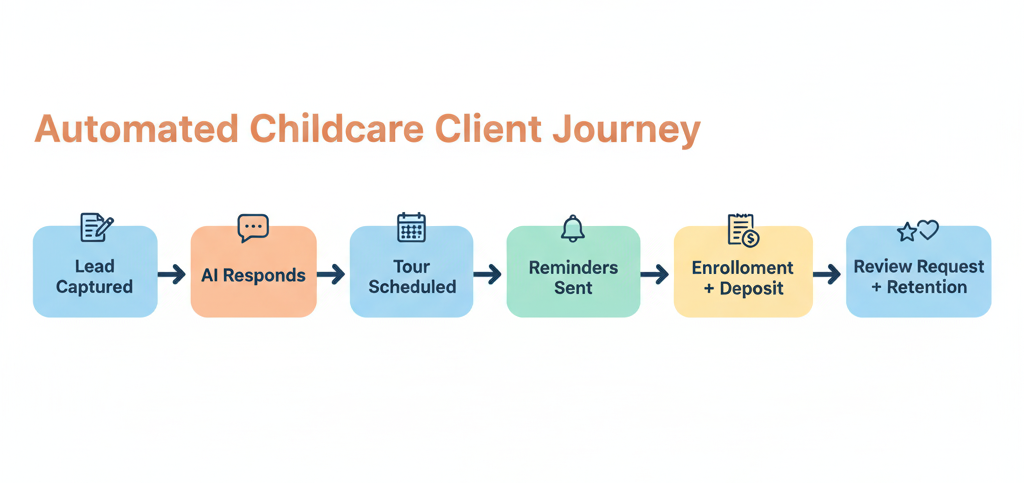
4. Review Generation and Parent Retention Workflow
Word-of-mouth drives childcare growth. But many happy parents never leave reviews unless asked.
This workflow turns satisfied families into your marketing engine.
How It Works
- Trigger after a milestone event
- 30 days enrolled
- Parent-teacher conference
- Graduation
- Send personalized review request
- Follow up gently if no response
- Thank parent for positive feedback
Example Message
“We’re so grateful you trust us with your child. If you’ve had a positive experience, would you mind leaving us a quick review? It helps other families find us.”
If a parent leaves a 5-star review:
- Send thank-you message
- Trigger referral request
If the review is less than ideal:
- Send private feedback form
- Alert management immediately
Inside your childcare ghl snapshot, this workflow should include:
- Automated Google review links
- Tagging for review submitted
- Internal notifications
Why This Matters
- Consistent 5-star growth
- Increased local visibility
- Higher enrollment inquiries
- Stronger brand reputation
Small workflow upgrades that boost results
Even if you only implement the four workflows above, these quick tweaks make them work better.
Add personalization with custom fields
Use the child’s name, parent’s name, child’s age, and preferred schedule to personalize messages.
Use a conversation. AI modes thoughtfully
Conversation AI can be set to:
- Off
- Suggestive mode where it drafts replies for your team
- Autopilot where it responds automatically
If you’re nervous about AI replying on its own, start with suggestive mode, then move to autopilot once trained.
Train the AI with your real policies
Conversation AI can be trained using website URLs or Q and A pairs, so the answers match your business.
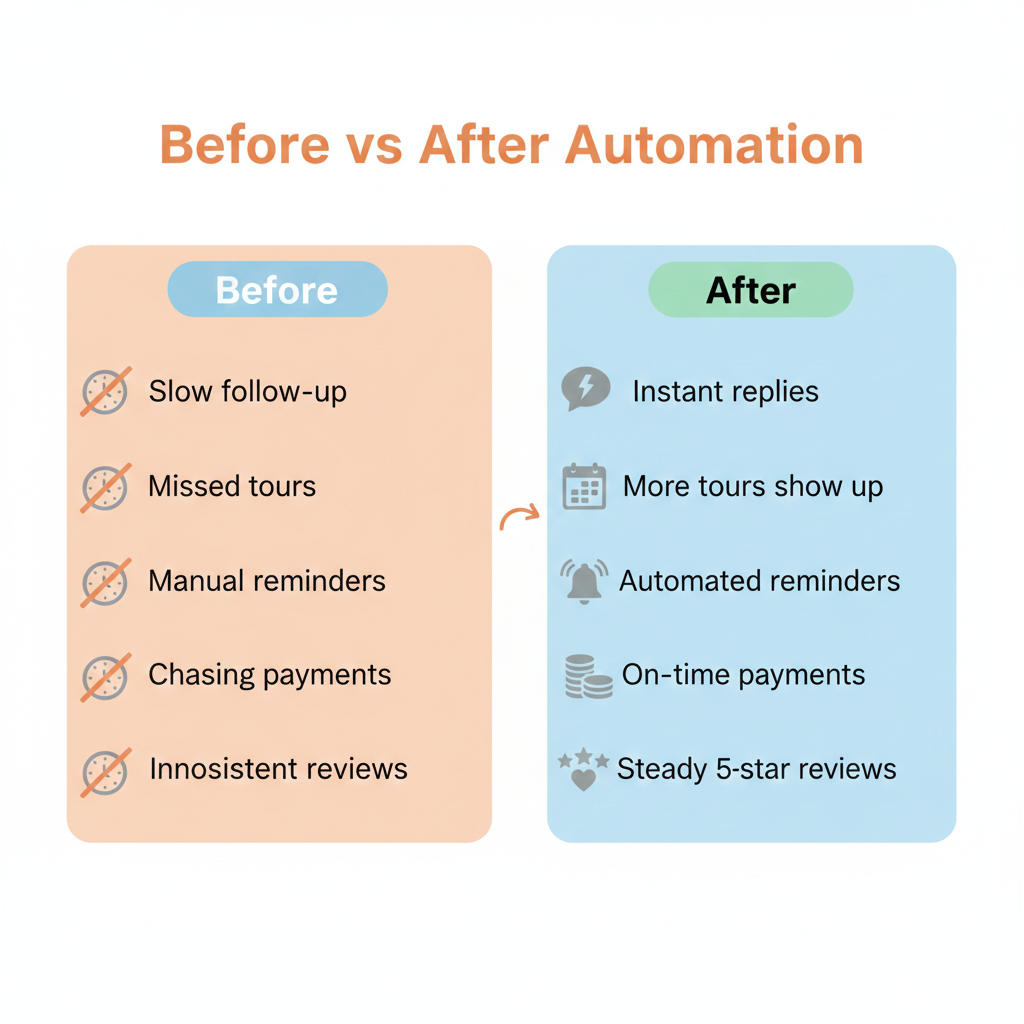
Frequently Asked Questions
Do I need a childcare ghl snapshot to build these workflows?
No, but it helps a lot. A snapshot gives you a pre-built foundation like pipelines, tags, forms, and workflow templates so you’re customizing instead of building from scratch.
Can Conversation AI actually book tours for parents?
What channels can AI respond on?
GoHighLevel Conversation AI supports SMS, Facebook, Instagram, web chat, live chat, and Google Business Profile messaging.
Will the messages feel robotic?
Only if they’re written that way. Keep your language friendly, short, and natural. Use emojis lightly if it fits your brand.